Enterprise infrastructure, made simple
Container-isolated accounts, Nginx caching, real-time malware detection, and adaptive bot protection. Managed through a clean control panel and an AI assistant that handles the rest.
14 days free. No credit card. No commitment.
Podman
Container isolation
No add-ons
Security and backups built in
99.99%
Uptime, last 12 mo
Daily
Backups kept up to 30 days
210+
Tasks Ellie handles
What you get
Isolation, backups, and a terminal
Container isolation
Every account runs in its own Podman container with dedicated CPU, RAM, and I/O limits. Your neighbor's traffic spike won't touch your site.
Real-time malware detection
File-level scanning catches threats the moment they appear. Automatic quarantine, severity tracking, and downloadable incident reports.
Daily backups with file-level restore
Automatic daily backups kept up to 30 days. Restore individual files, databases, or everything at once from the panel.
SSH access & web terminal
Full SSH access with isolated containers and a browser-based terminal. Connect from anywhere, no client needed.
Automated bot detection
Every visitor is scored based on behavioral signals. Suspicious traffic gets challenged with proof-of-work. Malicious IPs are banned across all servers automatically.
Ellie AI assistant
Manage your server in plain English. Deploy WordPress, configure domains, troubleshoot errors. 210+ tasks without touching a menu.
One-click installs
WordPress and Drupal, installed for you
Pick a subdomain and we provision the site, its MySQL database and user, the PHP version, and the web server configuration in the same step. Admin and database credentials are shown once, at install.
WordPress
One-click deploy in about 30 seconds, then auto-updates with configurable delays, plugin health monitoring, SSO admin login, server-level hardening, and a snapshot before every core update.
Drupal 10 and 11
Built with Composer and shipped with a project-local Drush. The web/ subfolder is set as the docroot for you, and the trusted host pattern is pinned to your domain at install time.
One subdomain, one thing
Performance
Speed without configuration
Multi-layer caching architecture that serves your content fast without any configuration.
Nginx reverse proxy caching
Full-page caching at the web server level. Configure per subdomain: enable, disable, or set custom cache exclusions for dynamic pages like /checkout.
Object caching
In-memory caching for the database queries behind your pages. Redis or Memcached, with live stats and a cache browser in the panel.
Browser caching headers
Automatic Cache-Control and Expires headers for static assets. Images, CSS, and JavaScript are cached by visitors’ browsers, reducing repeat load times.
Object caching
Redis or Memcached, one click apart
Nginx caches whole pages. An object cache holds the database queries behind them, which is what speeds up the pages Nginx cannot serve from cache: carts, dashboards, and anything a signed-in visitor sees.
Redis
Per-key expiry and least-recently-used eviction, so a full cache trims its coldest entries instead of refusing writes. It is what most modern object-cache drop-ins target first, and the key browser shows the time-to-live on every entry.
Memcached
The simpler engine and the one older PHP applications already expect. Lower overhead per entry, the same memory allocation from your plan, and the same stats and browser in the panel.
Live stats
Memory used against your allocation, hit rate, cached keys, and uptime, read from the running instance rather than a stored counter.
A real cache browser
Inspect what is actually cached, sort by size or last access, open a single value, and delete one key without flushing everything else.
Private to your account
Your cache is yours alone. No other account on the server can read it, see what is in it, or clear it - the same isolation your files and databases already sit behind.
One engine at a time
Security
Enterprise protection, every plan
Multiple independent security layers. If one is bypassed, others still protect you.
SELinux enforcing
Mandatory access control at the kernel level. The same security trusted by the US Department of Defense.
Container hardening
no-new-privileges, capability restrictions, noexec filesystems, and per-user cgroups.
Real-time malware detection
File system monitoring catches threats the moment they appear. Not daily scans, real-time.
Behavioral bot detection
Scoring classifies every visitor based on what they do, not static lists. Bots get challenged with proof-of-work, malicious IPs are banned across all servers.
PHP management
Any PHP version, any subdomain
Run different PHP versions on different subdomains. Perfect for legacy applications alongside modern ones.
- PHP 5.6 through 8.5 available
- Switch versions per subdomain independently
- Configure php.ini settings from the panel
- Restart PHP with one click or ask Ellie
Modern deployment
Git deployment built in
Server-rendered apps and static builds both deploy from a repository. Connect GitHub, GitLab, or Bitbucket, and a push webhook is registered on all three, so a push to the tracked branch deploys.
OAuth integration
Connect GitHub, GitLab, or Bitbucket. Pick the repo and the branch to track, and a push webhook is registered for you.
Runtime auto-detection
On connect we read the repo and pick the runtime: package.json for Node, manage.py or pyproject.toml for Python, Gemfile or config.ru for Ruby. Install, build, and start commands are set for you, and every one of them is overridable.
Health-checked before it goes live
A new container has to answer on its port within 30 seconds before it takes over traffic. If it never comes up, the previous build keeps serving and the deploy is marked failed, so a bad build cannot take your app down.
One-click rollback
Every build is stored. Roll back to any previous build with a single click.
Server-rendered
- Next.js
- Nuxt
- Django
- Flask
- FastAPI
- Rails
- Sinatra
- Rack
Static and SPA
- React
- Vue
- Angular
- Svelte
- Astro
- Gatsby
- SolidJS
- Preact
- Custom
Runtime versions
- Node 24
- Node 22
- Node 20
- Python 3.13
- Python 3.12
- Python 3.11
- Ruby 4.0
- Ruby 3.4
- Ruby 3.3
One rule for a server app
Per-subdomain control
Fine-grained control over every subdomain
Configure web server, routing, Cloudflare integration, and redirects independently for each subdomain.
Cloudflare DNS management
Connect your Cloudflare account and manage DNS records, proxy settings, and TTL directly from the control panel.
Cloudflare-only access
Restrict traffic to Cloudflare proxy only. Direct access to your server IP returns 403, hiding your origin completely.
Apache or Nginx frontend
Choose Apache or Nginx per subdomain. Run legacy .htaccess apps on Apache while using Nginx caching for everything else.
Domain redirects
Redirect apex to www or www to apex with one click. Prevents duplicate content and consolidates SEO authority.
PHP fallback routing
Route all requests through index.php for frameworks like Laravel, Symfony, and CodeIgniter. One toggle, no manual config.
HUC preview URLs
Access any subdomain through a Hostney preview URL before DNS is pointed. Includes robots.txt to block search engines.
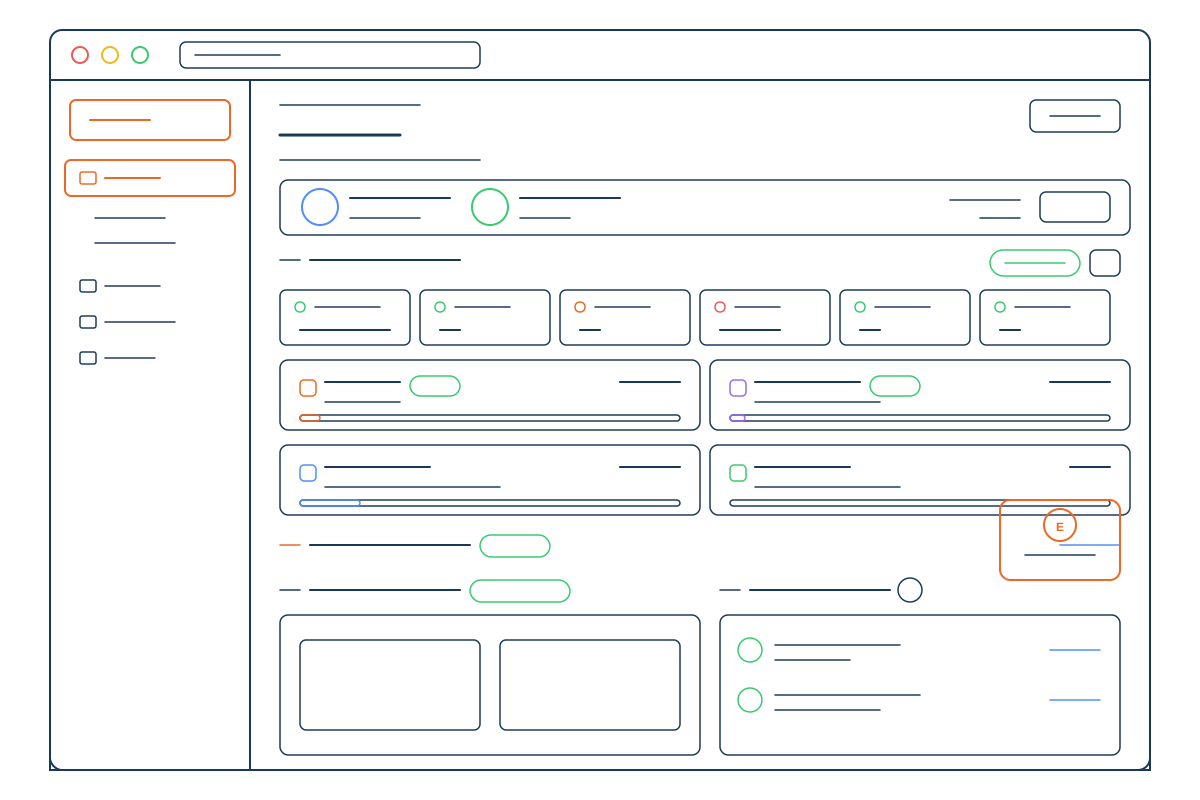
The control panel
30+ screens, no upsells
Everything below is in every plan. These are the actual names in the panel navigation, so what you read here is what you will look for once you are inside.
Hosting
- Subdomains
- PHP manager
- MySQL manager
- File manager
- FTP users
- DNS zone manager
- Redirects (301 / 302)
Development
- WordPress
- Migrations
- Applications
- Git
- Marketplace
- Cron jobs
Caching
- Redis
- Memcached
- Nginx
Security
- Backups
- WAF
- Bot detection
- Live traffic
- Rate limiting
- Blocked IPs
- Malware report
- DMARC monitoring
- SSL certificates
- SSH keys
- Password protection
Monitoring & logs
- Uptime
- Traffic
- Access logs
- Error logs
- PHP logs
Account
- Delegate access
- Audit logs
- Support tickets
- Notifications
- Payment methods
- Subscriptions
- Billing history
AI-powered management
Just ask Ellie
Your AI assistant manages your server through natural conversation. No menus, no documentation hunting.
- E
"Enable caching on shop.mydomain.com"
- E
"Change PHP to 8.3"
- E
"Why is my site slow?"
- E
"Create a database for my app"
210+
tasks she can handle
WordPress, PHP, databases, caching, DNS, FTP, redirects, and more.
Pricing
Simple, transparent pricing
Every plan includes managed WordPress, SSH access, daily backups, and enterprise-grade security. Start with a 14-day free trial.
Black Friday80% off your first year with code BLACKFRIDAY80Ends Cyber Monday, November 30
Startup
Great for growing businesses
$7.92
$19.00 for your first year, then $94.99/yr
- 1 website
- 10 GB storage
- ~10,000 visits/month
- 5 MySQL databases
- 250,000 inodes
- 5 FTP users
What's included:
SSL & Domain
- Free SSL certificate
- Free starter domain
- 2 mailboxes
- 3 GB per mailbox
- Webmail, IMAP and SMTP
Advanced
For professional websites
$15.00
$36.00 for your first year, then $179.99/yr
- 5 websites
- 20 GB storage
- ~110,000 visits/month
- 10 MySQL databases
- 500,000 inodes
- 10 FTP users
Everything in Startup, plus:
- 5 mailboxes
- 5 GB per mailbox
Backups
- 14 days of backup history
Performance
- Memcached object cache
- Redis object cache
Pro
Maximum performance and features
$22.92
$55.00 for your first year, then $274.99/yr
- 10 websites
- 40 GB storage
- ~200,000 visits/month
- 20 MySQL databases
- 750,000 inodes
- 20 FTP users
Everything in Advanced, plus:
- 10 mailboxes
- 10 GB per mailbox
Deployment
- 2 SSR applications
Backups
- 30 days of backup history
Monitoring
- 1 minute between checks
For new customers on annual plans. Enter the code at checkout, or when you upgrade a free trial before the sale ends. The 80% comes off your first year; renewals are at the plan's regular price. Ends 11:59 p.m. Eastern on Monday, November 30.
Get started
Web hosting that doesn't hold you back
Container isolation, Nginx caching, and Ellie included in every plan.
Start free for 14 days, no credit card required.
Questions